
Searching for a Warrant in Schleicher County
Schleicher County has no public sheriff warrant search. The official Sheriff's Office page gives a phone and address for agency questions, but no warrant roster or searchable fields. For court status, identify the issuing court first: the 51st District Court and County and District Clerk for district files, County Court for county matters, JP for countywide Class C or traffic, and Eldorado Municipal Court for city cases.
Use a citation or cause number when available, and have the person's own legal name and date of birth ready for a phone call. Ask whether the record is a citation, failure to appear, arrest warrant, or capias pro fine, and which office can change its status.
- Call the Sheriff's Office at (325) 853-2737 for law-enforcement routing; it does not publish a public warrant search.
- For a JP citation, use the county's number-based nCourt search or call the JP at (325) 853-2766.
- For a city citation, contact Eldorado Municipal Court at (325) 853-2691; county portal results do not cover it.
- For a district or county file, contact the County and District Clerk at (325) 853-2833 and ask which court has the record.
- Use Texas FTAP only for the person's own license-renewal hold, then ask the reporting court to confirm any warrant.
Schleicher County Has No Warrant Search
The county Sheriff page links VINELink for custody status and other public services, but it exposes no active-warrant search. A missing result therefore cannot be read as “clear”; there is no public countywide list to query in the first place. Call the Sheriff for the agency side and the court for the controlling file.
The Sheriff's Office contact page is the official first call for routing. It does not identify a separate warrant unit, bond window, or 24-hour public warrant line.
Before calling, identify the court from the citation, bond paper, or cause number. Give the clerk the person's correct name and the number printed on the court document, then ask if a warrant or capias is actually entered in that court's file. The Sheriff's Office can route a law-enforcement question, but the court must explain its own docket and whether it has issued a recall order.
Warrant Search Fields Explained
Schleicher's only inspected public case lookup in this area is the JP-linked nCourt citation and case route. The Sheriff has no searchable form. FTAP asks for personal compliance fields, but it returns a hold check, not a warrant result.
| Field Label | Type | Required | Notes |
|---|---|---|---|
| Select search type | Radio | Yes | Citation/Ticket Number or Case/Cause Number. |
| Citation or case number | Text | Yes after selection | A letter may be part of it; try without a leading zero if needed. |
| Terms agreement | Workflow step | Conditional | Appears before the payment step. |
| Driver license number | Text | Yes for FTAP | Use the person's own information for a Texas hold check. |
| Date of birth | Date/text | Yes for FTAP | FTAP results concern participating-court holds, not warrants. |
Schleicher County Warrant Portal Fields
The county JP's nCourt lookup is designed around a citation or case number. It shows a sequence of citation search, terms agreement, payment, and receipt. A letter may be needed in a ticket number, and the portal says to allow five days before trying online payment. The JP page separately warns that ticket entry can take two to three business days.
Those timing notes explain why a fresh ticket may not appear. A portal miss is a reason to call the JP, not a warrant-status finding. Do not enter another person's data into an unrelated hold check.
The official JP page links the citation route and payment options.
Use the Texas Attorney General's Public Information Act guide for the written-record request process.
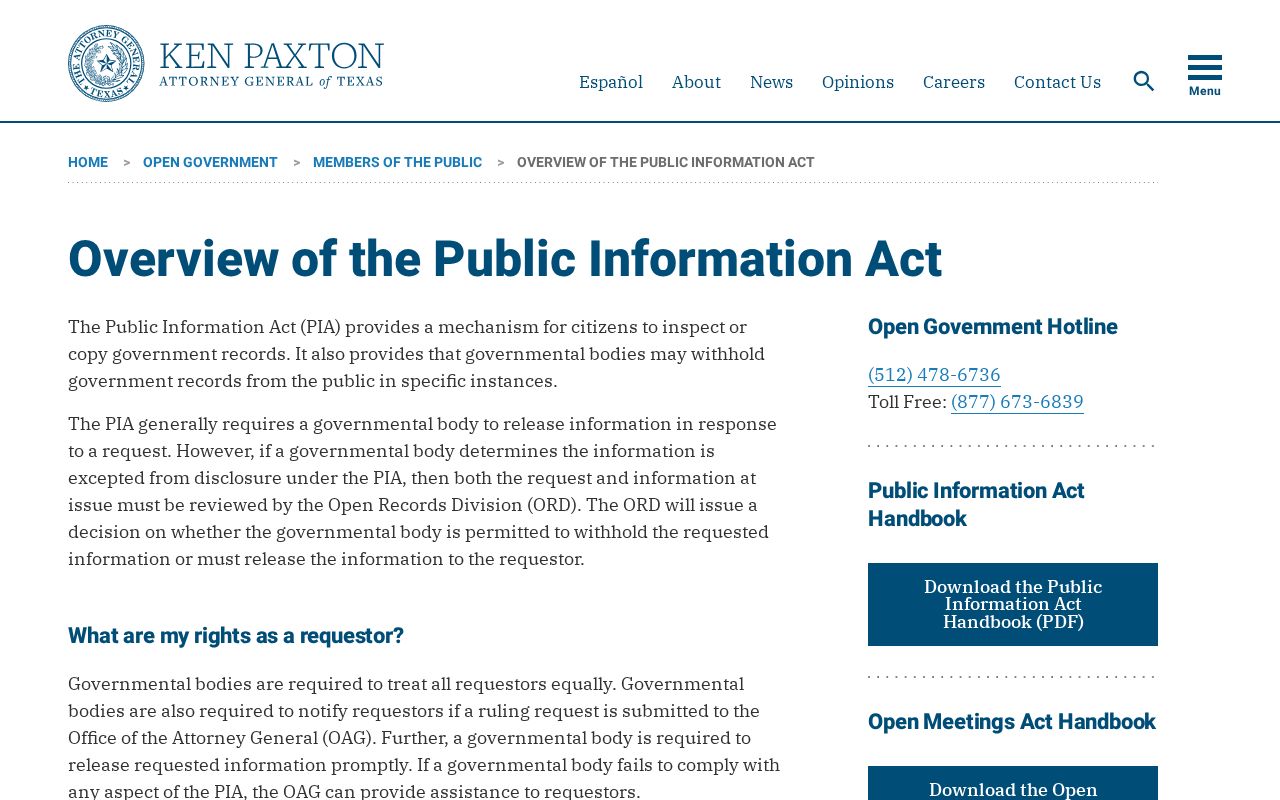
The state guidance concerns existing public records; it is not a request for a warrant-status determination.
What a Warrant Search Shows
No public Schleicher warrant result or sample listing was available. A clerk can confirm the fields that exist in a particular file; the items below are useful questions, not observed columns on a county search screen.
| Warrant number | Format not published; ask for the cause or citation identifier. |
|---|---|
| Charge / reason | Ask which offense or missed court duty is tied to the process. |
| Issuing court | Confirm the court that signed or controls the warrant. |
| Bond or amount | Schleicher publishes no county bond schedule; confirm with the court. |
| Status | Ask whether issued, served, recalled, quashed, or pending. |
Schleicher County Warrant Custodians
Schleicher County has one combined County and District Clerk office, but the file type still matters. The District Clerk keeps 51st District Court felony, family, civil, and juvenile files; county records and County Court records follow the same office's County Clerk role. The JP clerk handles countywide justice and traffic files. Eldorado Municipal Court holds its own city citations and warrants.
The County Clerk's official page provides its records contact and fee schedule.
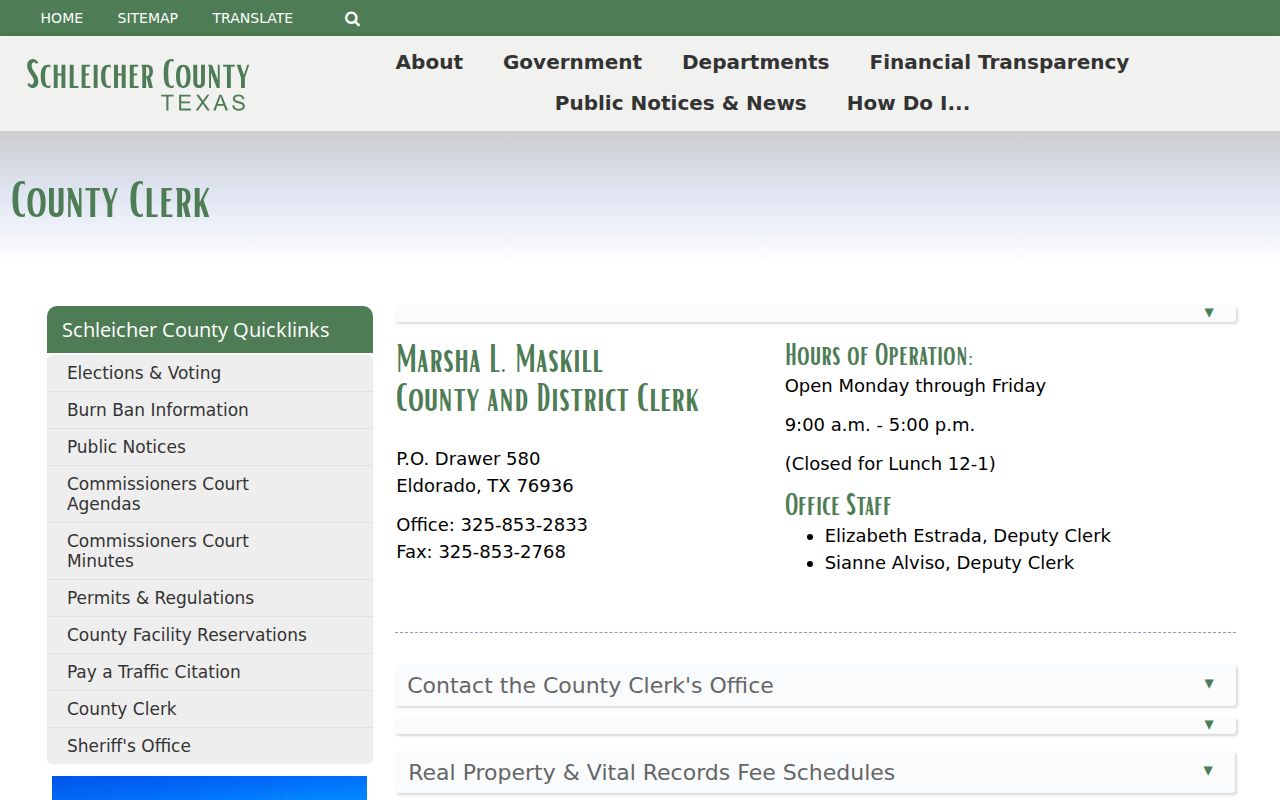
The clerk contact page is a records route; it does not run a live warrant search.
The separate District Clerk page identifies the route for district court files.
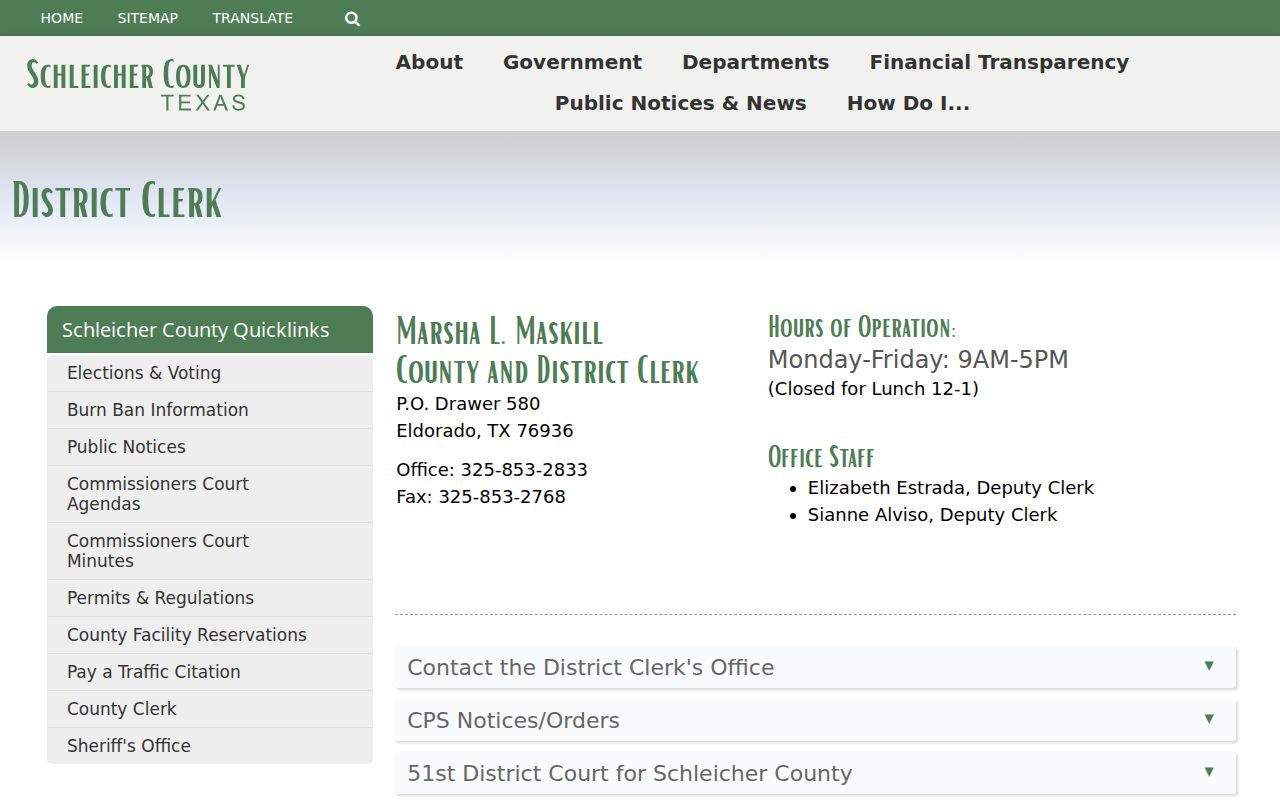
Ask the office to confirm the exact custodian for a specific cause or citation.
The County and District Clerk can be reached at (325) 853-2833; published counter hours run from 9 a.m. to 5 p.m. with a noon-to-1 p.m. closure. District Court's main office is in San Angelo, but county clerk records service is in Eldorado. Justice Court uses a different phone, (325) 853-2766, and remains open through lunch. Confirm the court and the hours of the correct counter before a visit.
Where to Check Warrants in Schleicher County
District and county case questions go to the County and District Clerk or the relevant coordinator. Traffic and Class C questions go to the countywide JP. City ordinance or traffic questions go to Eldorado Municipal Court. The Sheriff's Office is the law-enforcement contact, but it does not publish a public roster and cannot replace the court's recall decision.
Texas has no single public statewide warrant search. TCIC and NCIC are law-enforcement systems, while OmniBase's public FTAP check is limited to reported license-renewal holds. A full personal check therefore follows the likely issuing court, then the Sheriff if agency confirmation is needed.
For a JP citation, use the number-based route and call if the case is missing or the appearance date passed. For a city ticket, use Municipal Court even if the person lives outside the city. District Court's primary office is in San Angelo, but the County and District Clerk handles public records in Eldorado. Write down which court has the file before requesting a copy or making plans to appear.
Schleicher County Court Directory
The Texas Office of Court Administration directory can help identify the countywide JP, County Court, Eldorado Municipal Court, and 51st District Court contacts. It is a court-directory tool, not a warrant database. The district court's primary office is in San Angelo, while the County and District Clerk's public records route remains in Eldorado.
Use the OCA court directory to confirm court personnel, then call the court on the paper. Do not assume every court's calendar or file can be answered at the county courthouse counter.
The state court directory helps route a case to its court level.
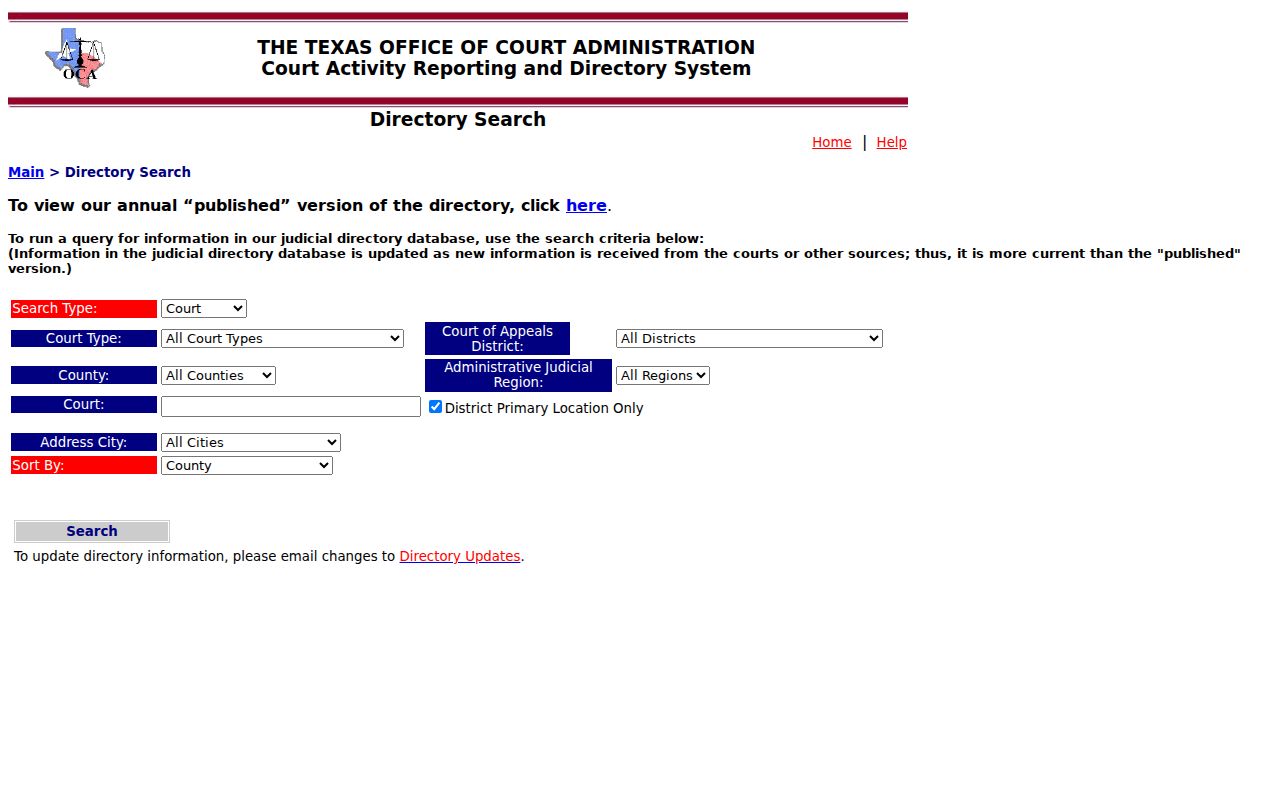
The directory supports contact verification, not a live status check.
Restricted Warrants and Access Rules
The Texas Public Information Act applies to government records, but it does not make every warrant public at every stage. Executed adult arrest-warrant records generally open under article 15.26, while unexecuted or sealed material can be limited. Juvenile arrest warrants have a separate confidentiality rule. Direct a written request to the office that holds the file and ask for the basis if material is withheld.
Describe the record rather than asking the custodian to certify a legal conclusion: for example, request the executed warrant, return, docket entry, or later recall order for a known cause. State a date range and ask for an electronic copy when practical. If the body seeks an Attorney General decision about withholding, Texas law generally requires notice within ten business days; that notice period is not a universal records-production deadline.
Public-Access Limits:
Article 15.26 generally opens an adult arrest warrant and affidavit after execution, subject to other restrictions.
Family Code §58.010 keeps juvenile arrest-warrant records confidential except for listed authorized access.
Ask the issuing clerk about sealed, investigative, or withheld material; a blank search is not proof that no process exists.
Juvenile Warrant Records Have Limits
Juvenile arrest-warrant records and supporting papers are confidential under Texas Family Code §58.010, with access limited to listed justice-system and authorized recipients. A missing juvenile record is not a portal problem to work around. Ask the court what public information can be released and do not seek or share a young person's identifying details.
The official Family Code chapter explains the limited access rule.
The statute image describes access limits, not a county juvenile case.